Efficient prompt-to-result loop
Go from idea to polished output with fewer prompt rewrites.
AI Art Model
Lightning-fast generation with rock-solid subject consistency—built for creators who need quality results at speed.
Pick a style lane, then tune your prompt from there.

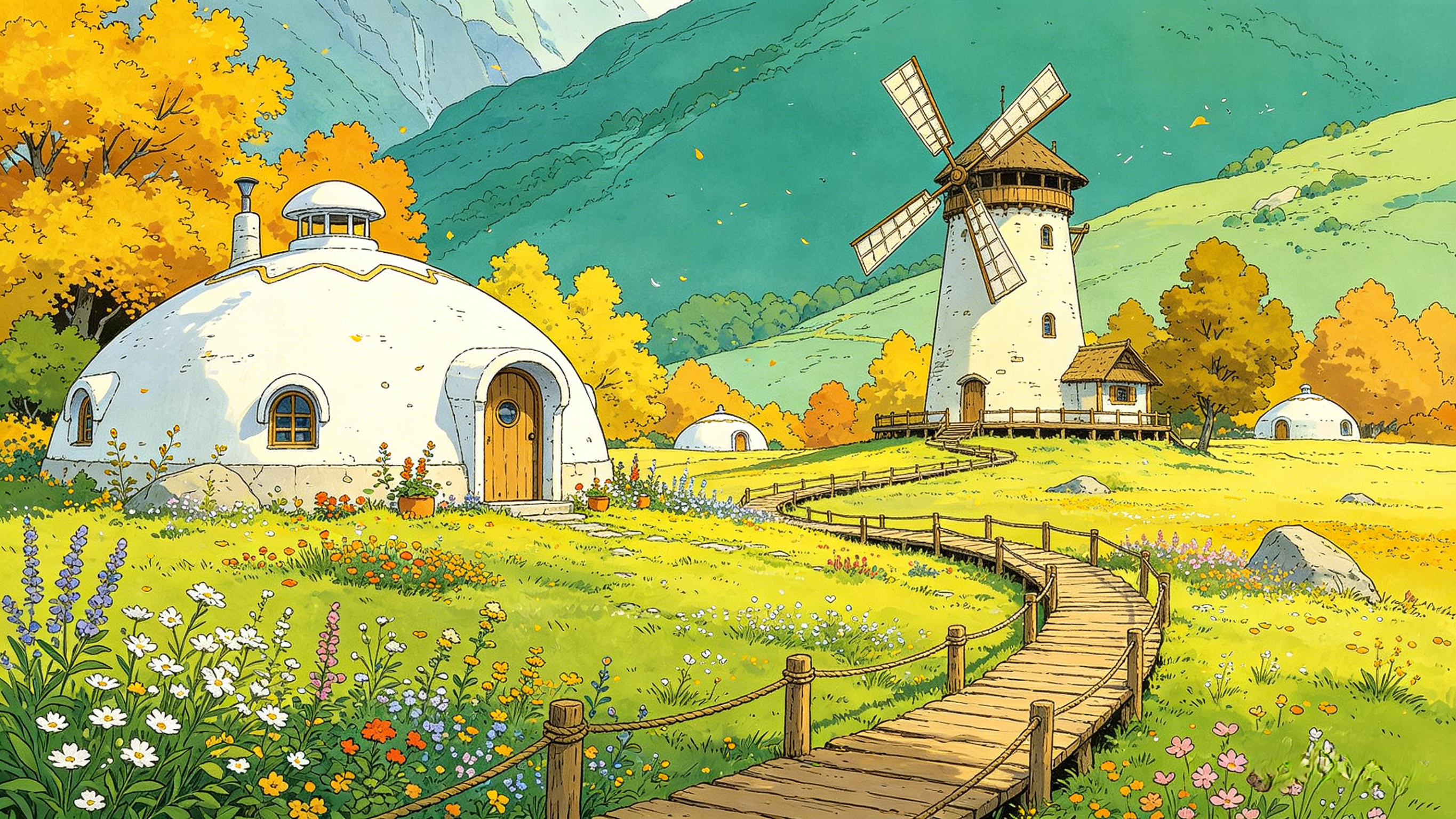
Drag the handle to compare the result
Generate polished images in seconds. Keep subjects stable across edits. No waiting, no drift, no hassle.
Join thousands of creators already using Orange Cat AI
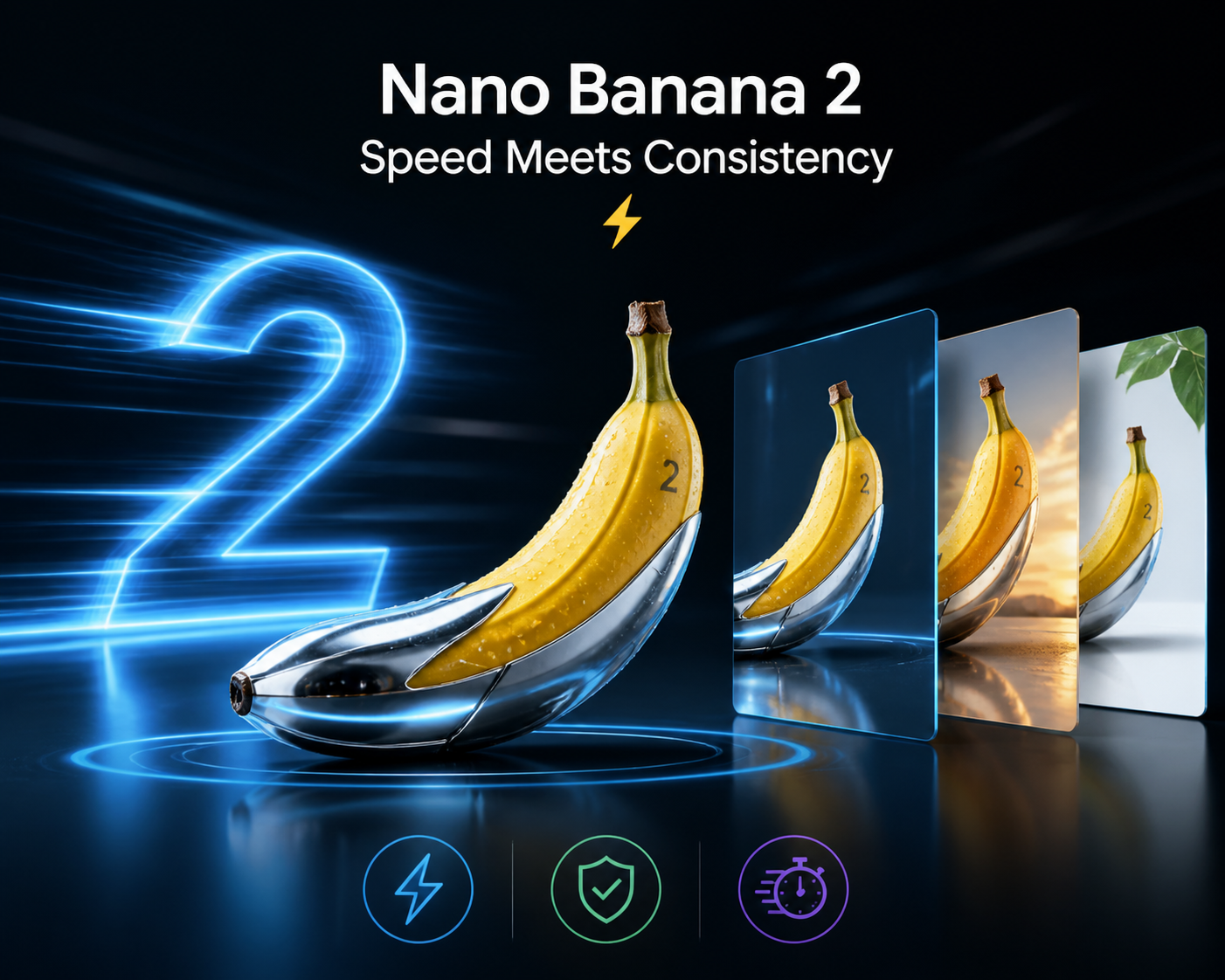
Lightning-fast generation for tight deadlines
Rock-solid subject consistency across edits
Minimal friction for everyday workflows
Perfect for high-volume content pipelines
Speed without compromise.
Fast results, stable subjects, zero learning curve. From product photography to ad creatives, get it done in minutes—not hours.
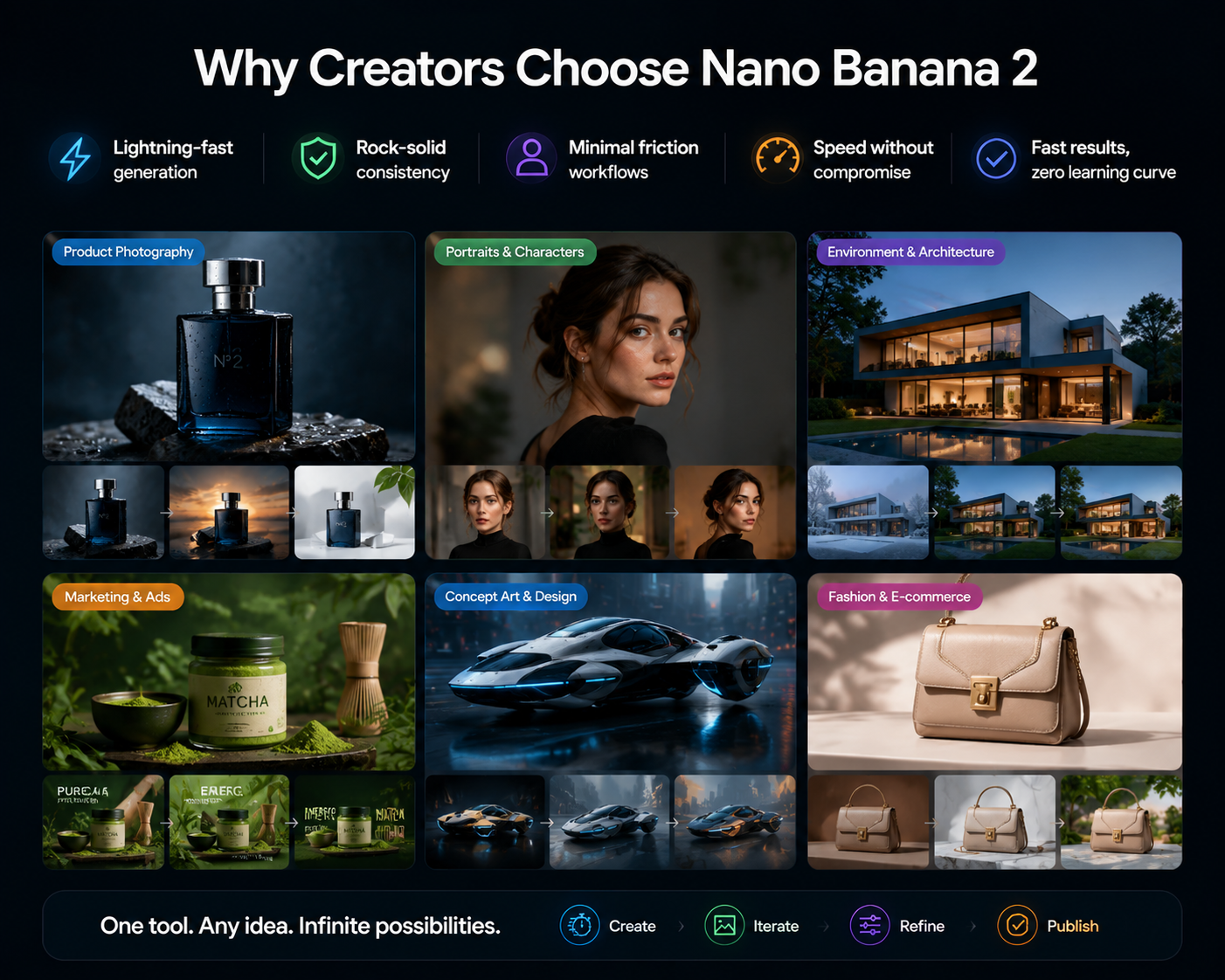
Nano Banana 2: Speed Meets Consistency
Built for creators who can't afford to wait. Nano Banana 2 delivers fast, reliable outputs while keeping your subject stable between iterations—no more starting over every time you refine.
From product photography to ad creatives, it's the go-to model for high-volume workflows that demand both speed and quality.
Fast. Consistent. Production-ready.
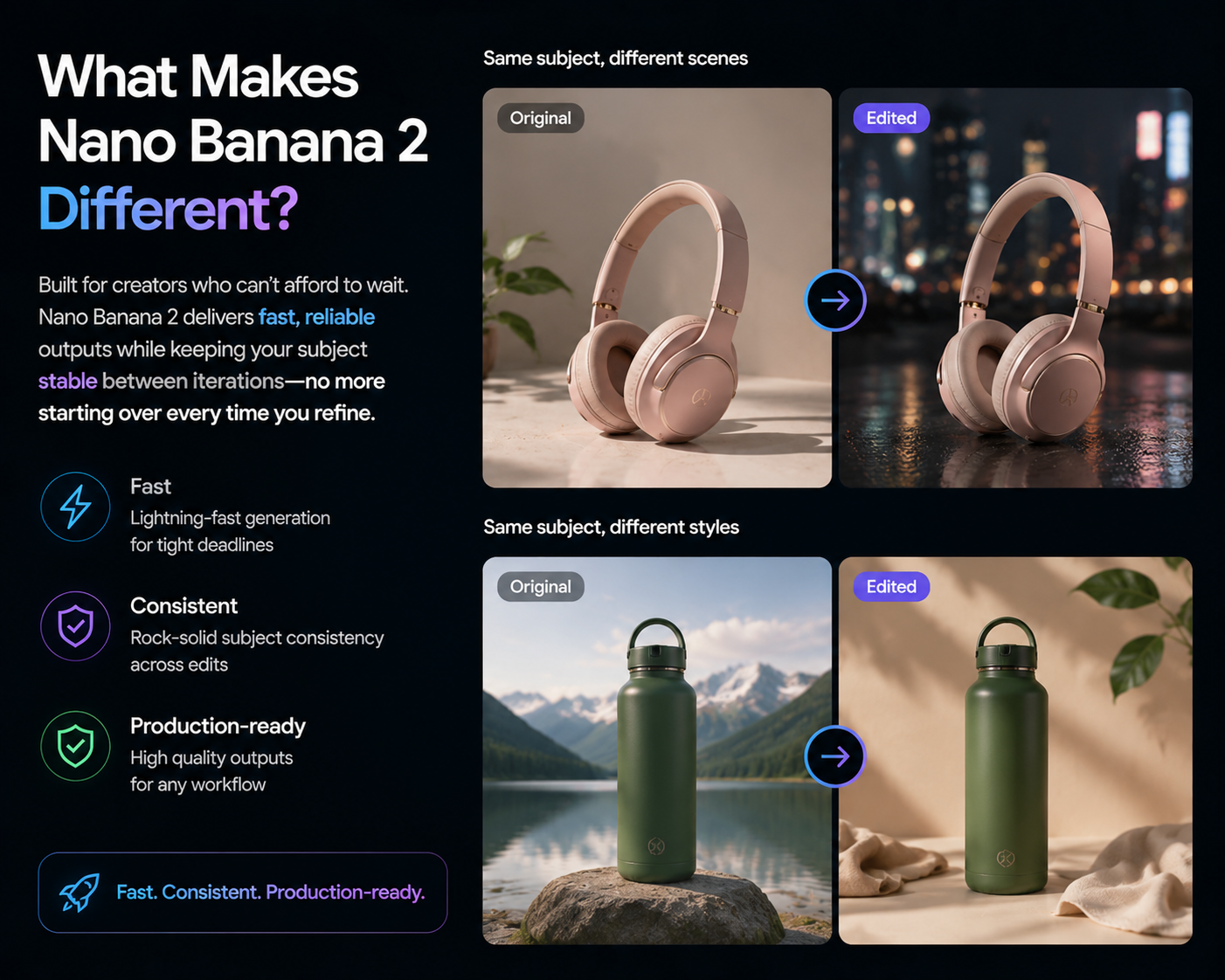
Nano Banana 2 Workspace
Nano Banana 2 is ideal when you need quick turnarounds without heavy drift between iterations.
Go from idea to polished output with fewer prompt rewrites.
Refine backgrounds, styling, and tone while preserving core subject identity.
Works well for high-volume content pipelines and rapid campaign cycles.
Improve ecommerce photos with cleaner backgrounds and tighter visual focus.
Adjust color grade, wardrobe mood, and lighting while keeping identity stable.
Generate multiple campaign variants quickly for social and paid channels.
Step 1
Bring in a photo, mockup, or draft visual as your base.
Step 2
Add mood, lighting, composition, and style directions.
Step 3
Make focused edits until the output matches your intent.
Keep the subject and camera framing unchanged, replace background with a warm neutral studio, soft shadows, premium catalog style.
Preserve face and pose, add clean editorial lighting, realistic skin texture, and a modern fashion campaign color grade.
Keep product geometry intact, improve material clarity, increase contrast subtly, and output a premium ad-ready hero composition.
It is best for fast, controlled edits and everyday production work where consistency matters.
Yes. It works for fresh generation and for refining existing images with prompt-driven edits.
Designers, marketers, and content teams that need speed, reliability, and simple iteration loops.